label editor
the problem
Feedback at LS Community page
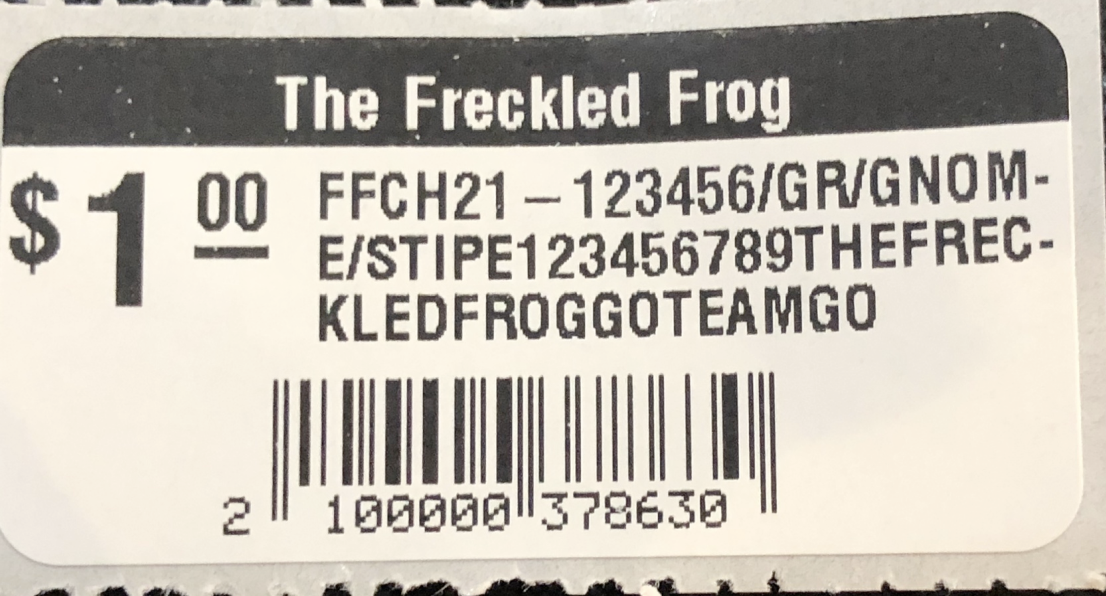
Default label printing - dated styling and hard to scan information
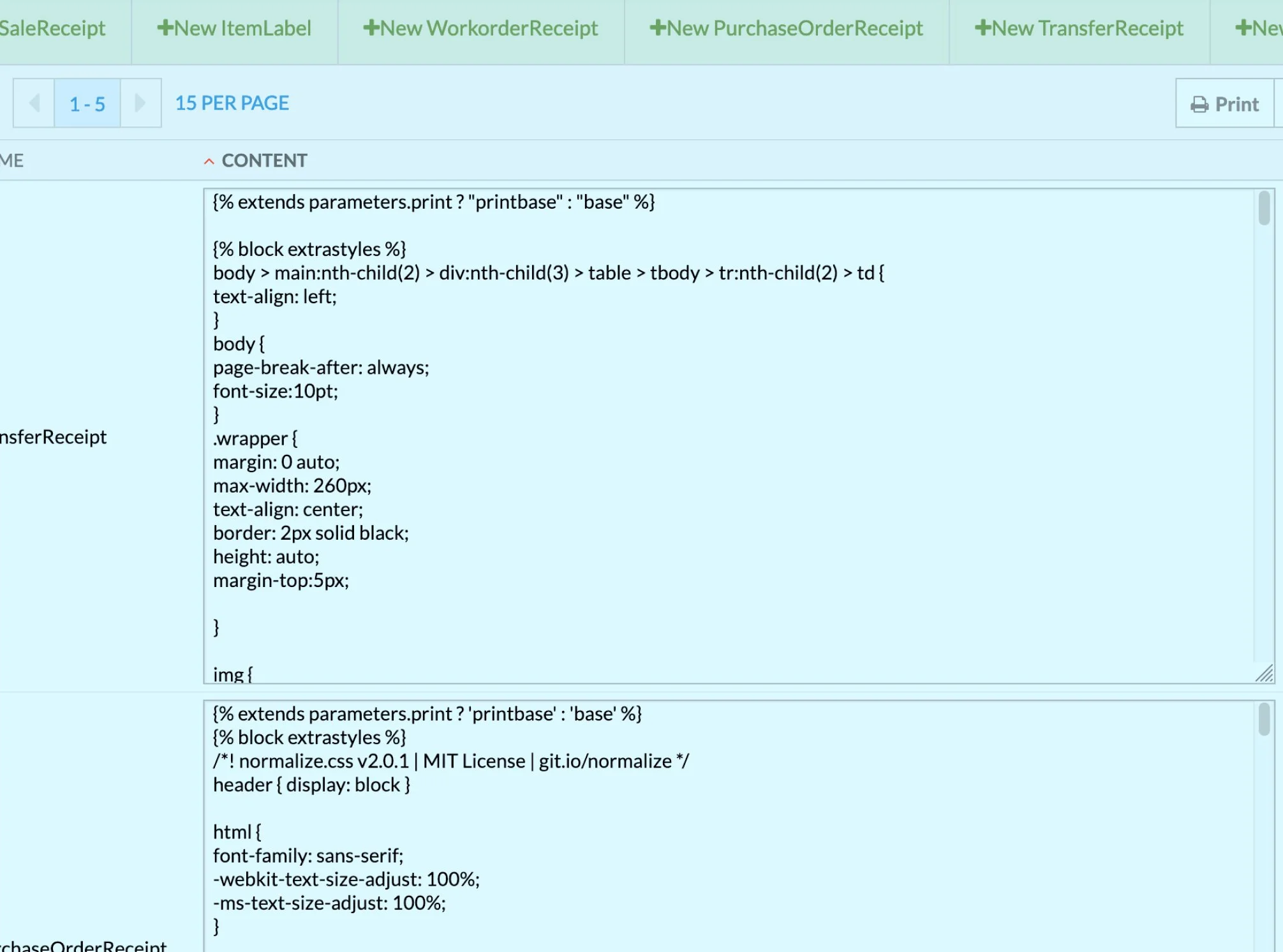
To customize labels, merchants faced this code heavy UI
Retail merchants complain about dated looking labels and the lack of ability to adjust and customize labels to suit their businesses. Lightspeed offered some labels by default, but there is no ability to preview these labels before printing or to customize them. The only way of changing these labels was by way of editing lines of code, causing a lot of frustration for merchants and many calls to customer service.
the solution
A visual editor that would let merchants preview templates of their labels, and choose one to customize.
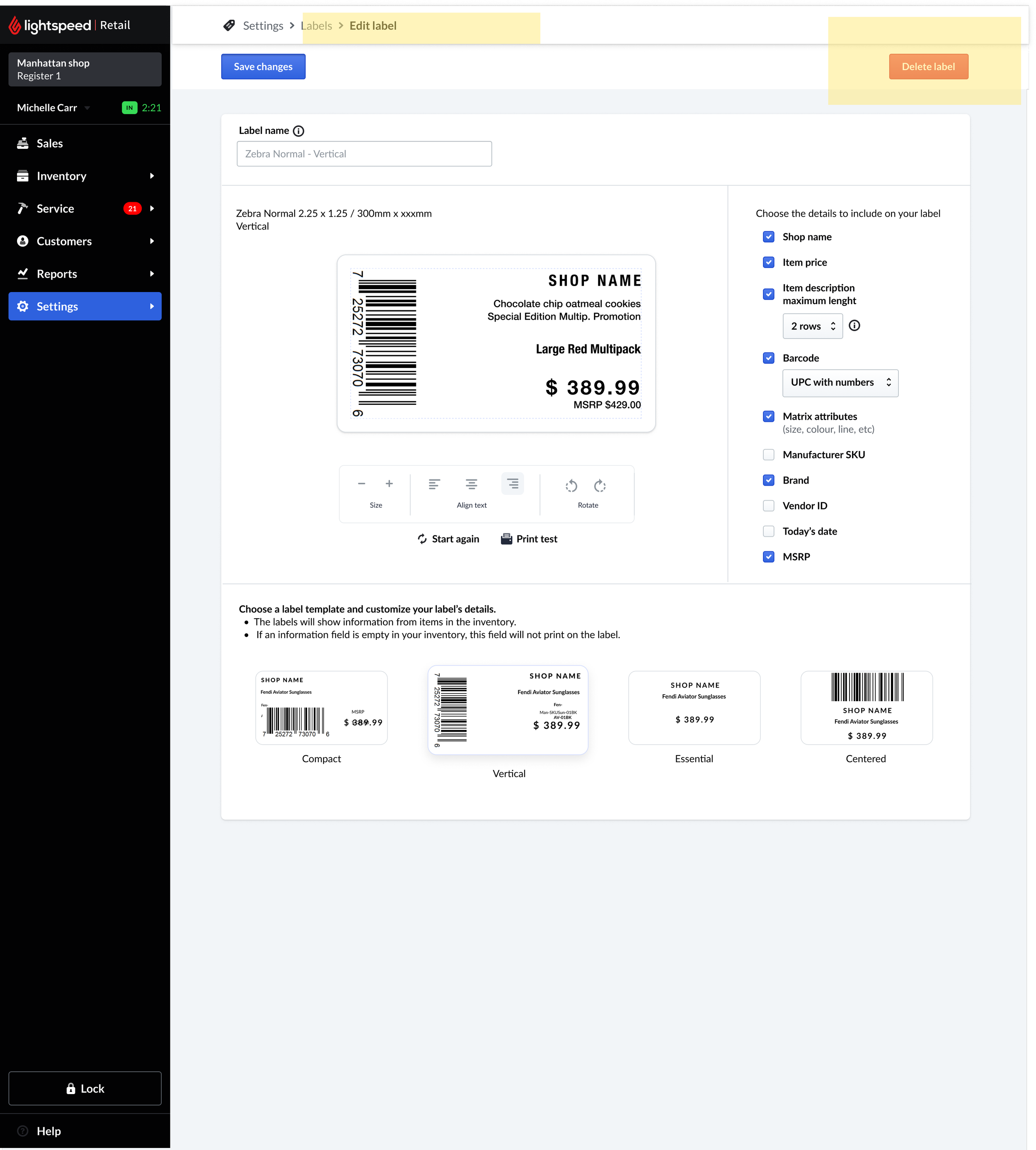
New WYSIWYG editor lets merchants customize and preview their labels
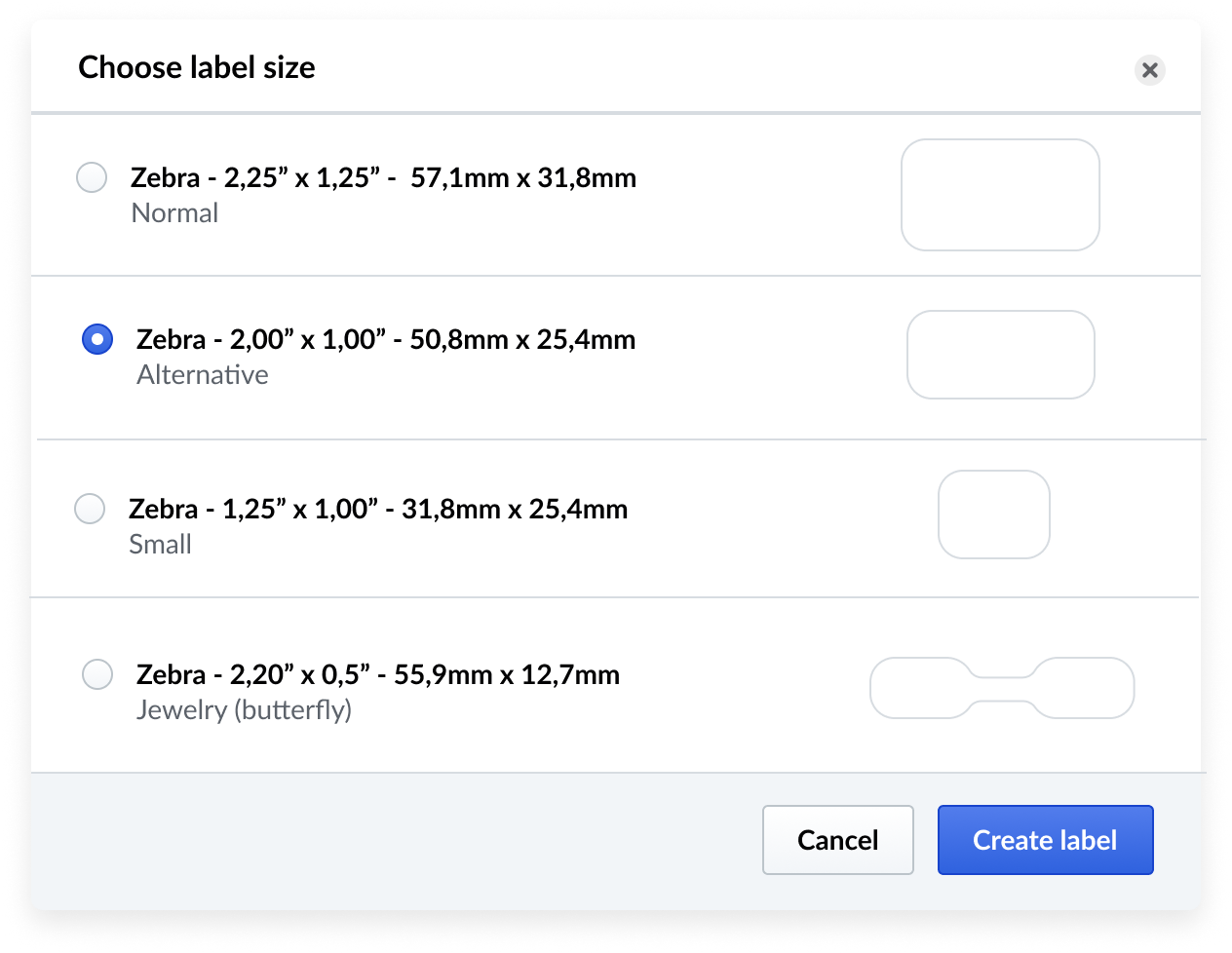
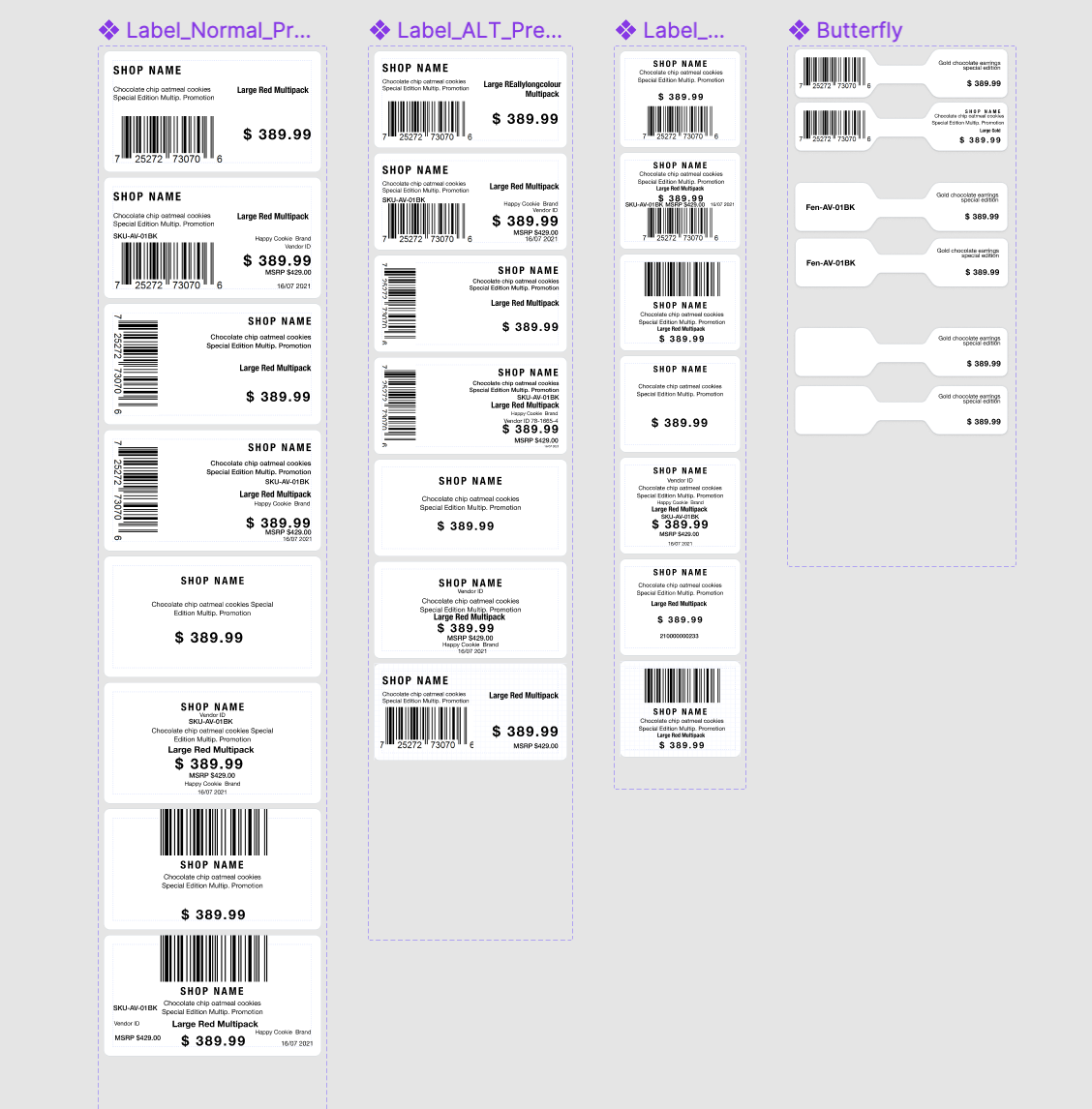
This project was a great chance for me to learn to create components using Variants in Figma
together is better
The most enjoyable aspect of this project for me was how we could arrive at the best solution together - the first iterations by design and by developement were really poor compared to what we arrived at when collaborating. We did this by creating a safe space to share and collaborate, meeting every week with the PM and the Tech Lead to align on requirements, and with the full team to review designs and iterate on them together. Customer support was instrumental in helping us get user feedback during internal and Beta testing.
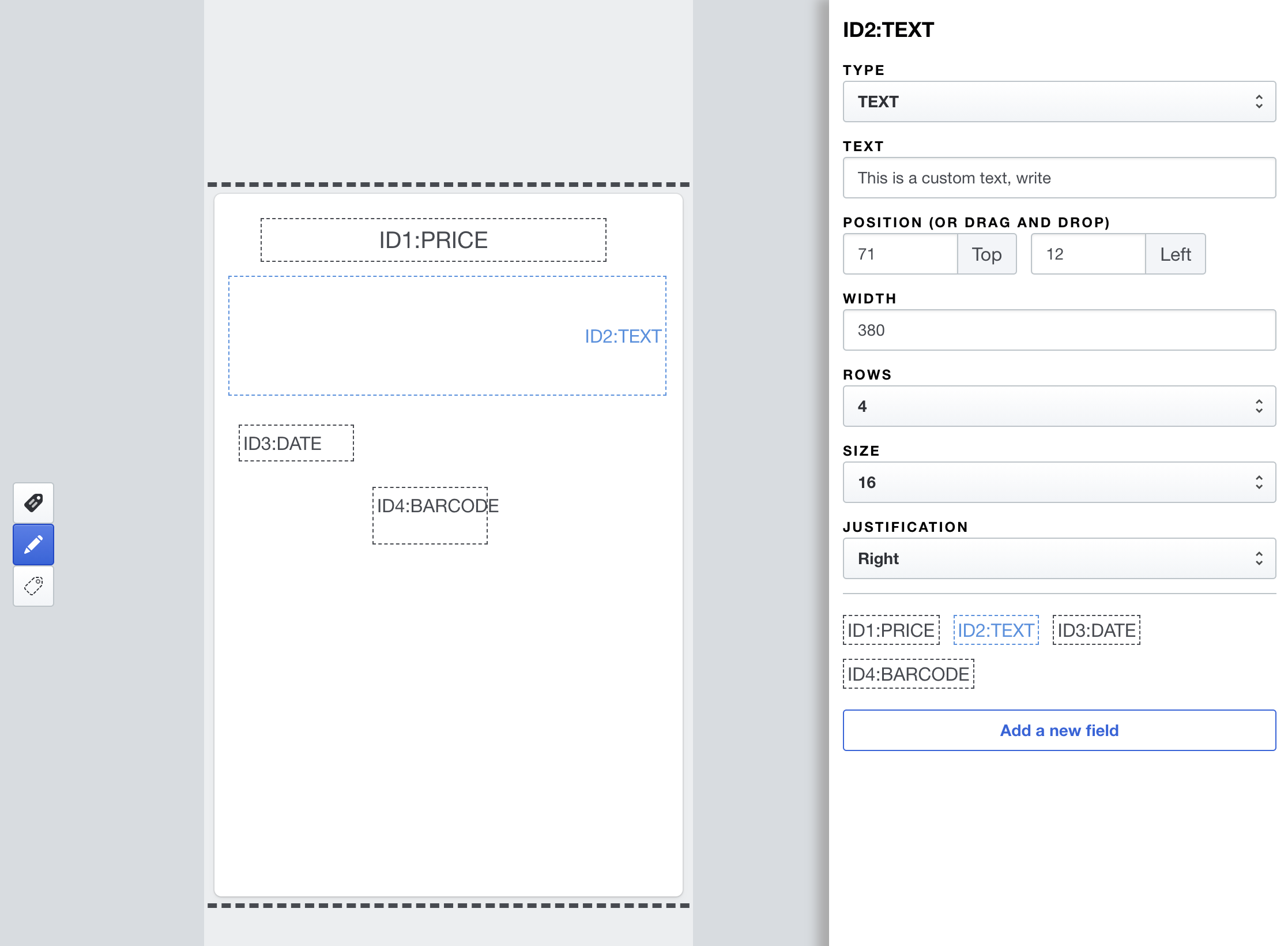
First Iteration by Developers
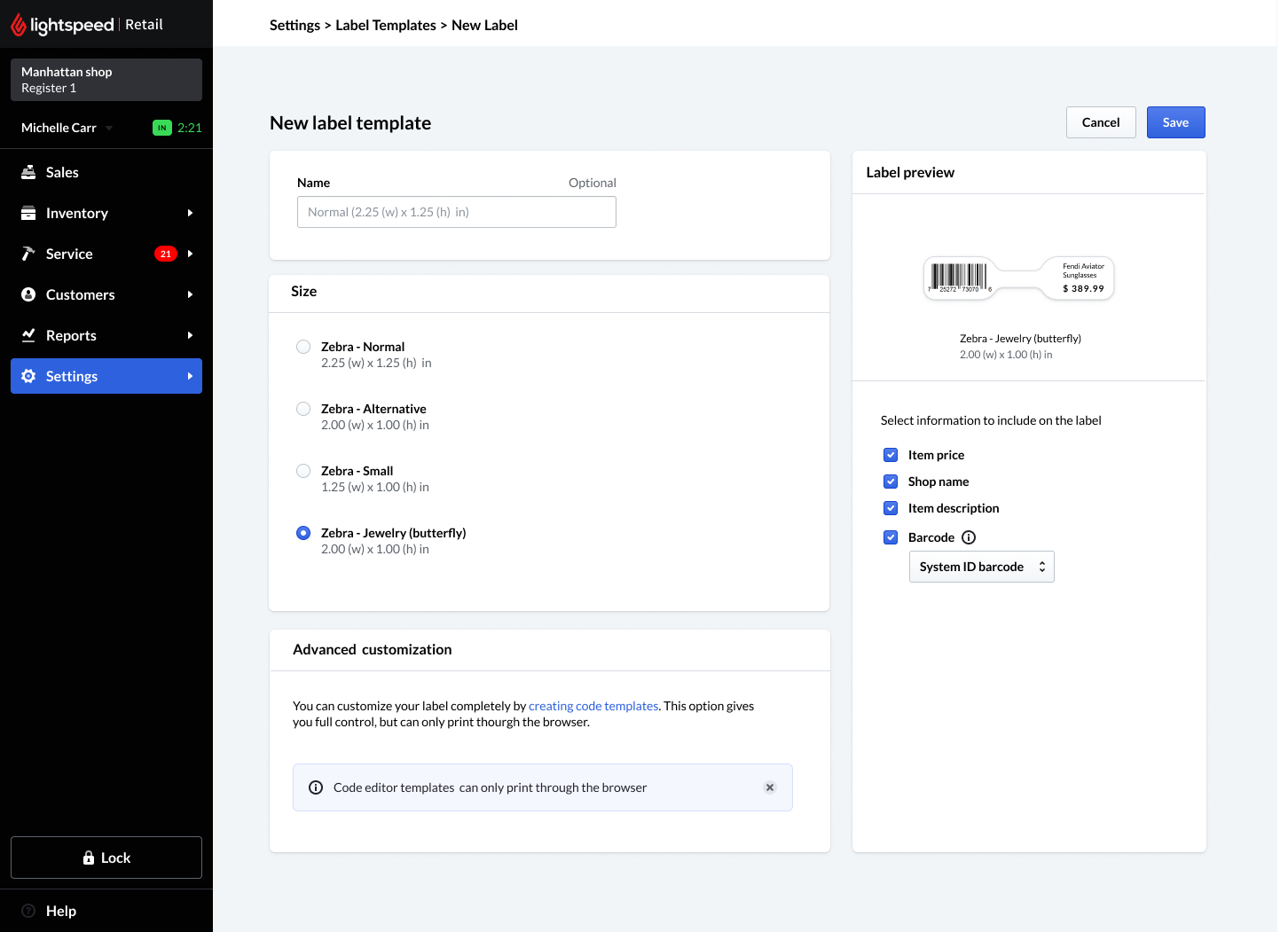
First iteration by Product Design
feature adoption
For feature adoption, we announced the feature on Intercom and our monthly newsletter. Also by tagging the feature with a small “new” tag on the Settings section.
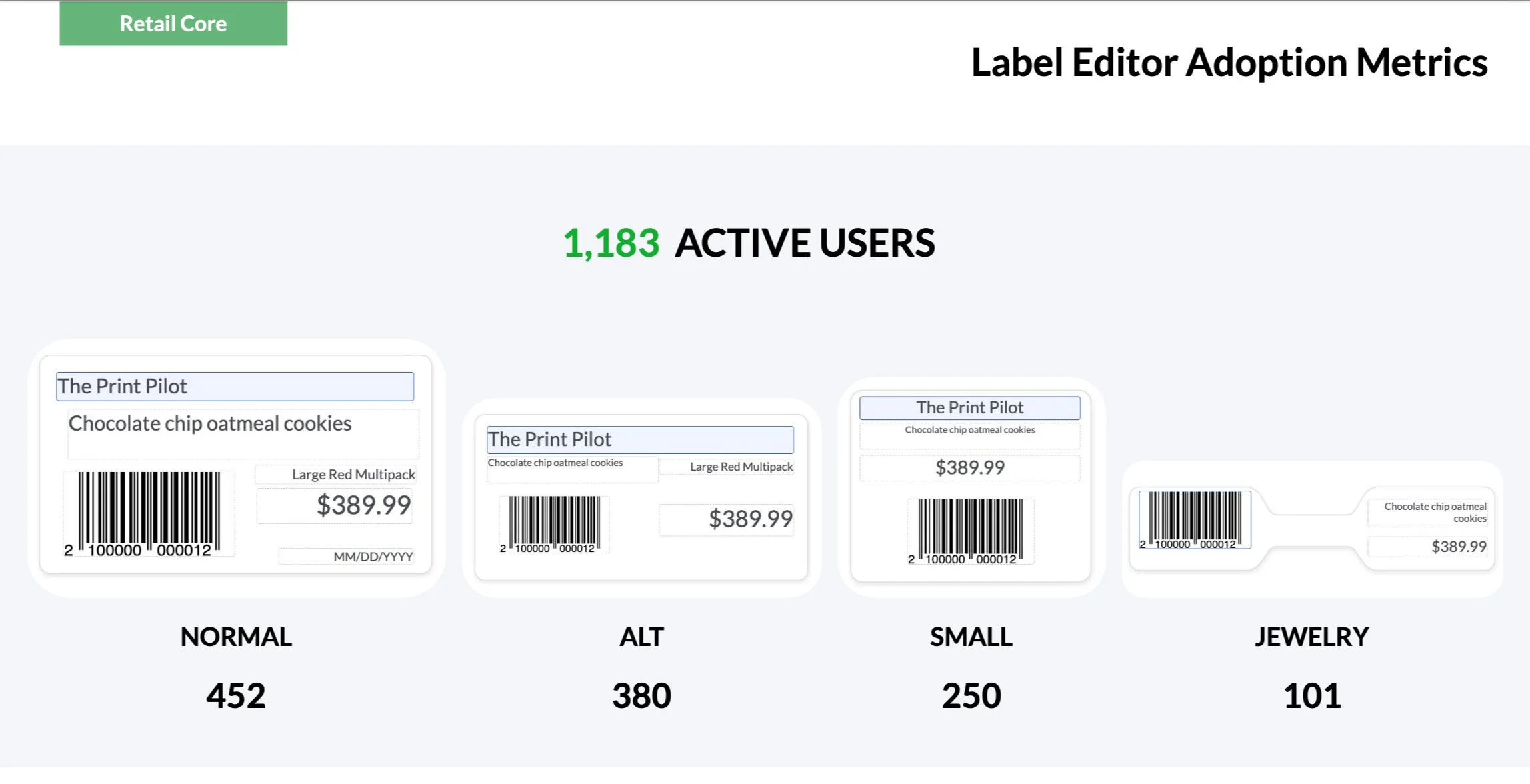
Adoption - First Week
reception
“This is exactly what we were looking for. It’s hard to quantify the time saved, but
questions about label support now have a simple and straightforward answer instead of a long explanation about print templates and how we cannot suppport them”